How to join a password protected channel in Mumble
-
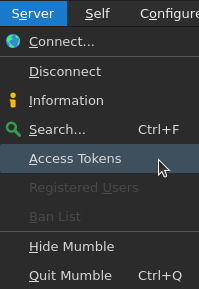
In the Mumble client, go to Server > Access Tokens from the main menu.
-
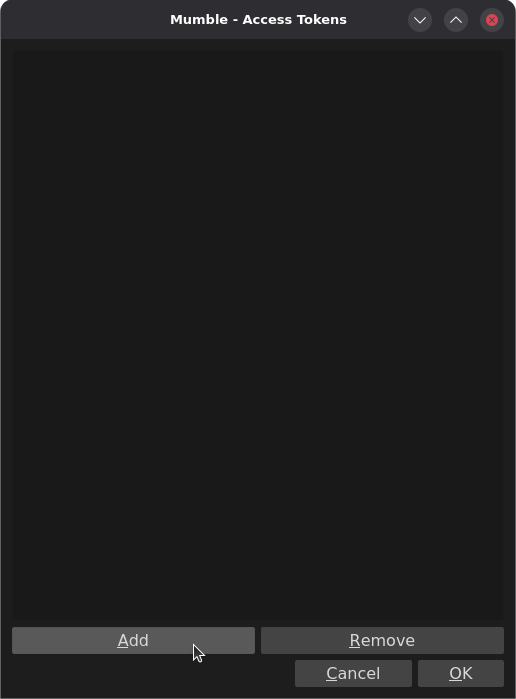
Click Add.
-
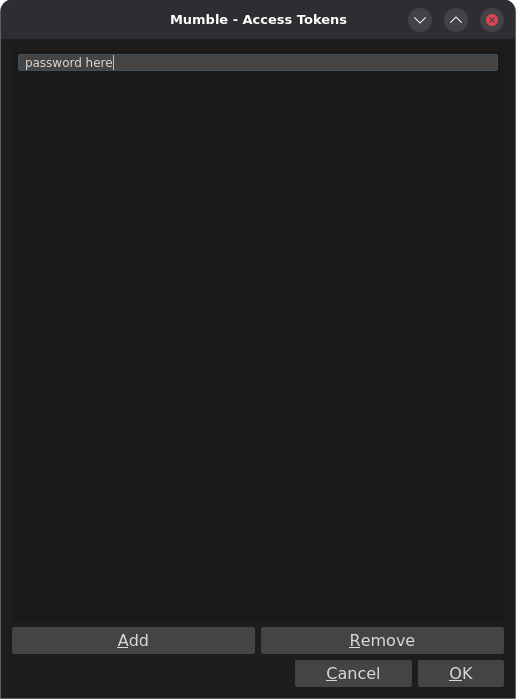
Enter the password for the channel you want to join, then click OK.
-
That’s it — you can now join any channel that uses that password.